


Payments features


Google Pay payments
Instant Google Pay payments across your sales channels
Give your customers a quick and convenient way to pay for purchases on your website, in your shop, without a website and in your mobile app with Google Pay. This Google Pay payment method is available by default to all active Fondy merchants who use the web version of our payment page. It can help you sell more, because 72% of smartphone owners use Android mobile devices.
What is Google Pay
With Google Pay, customers can pay for purchases in online shops, on websites and in apps using a Google account linked to a bank card.
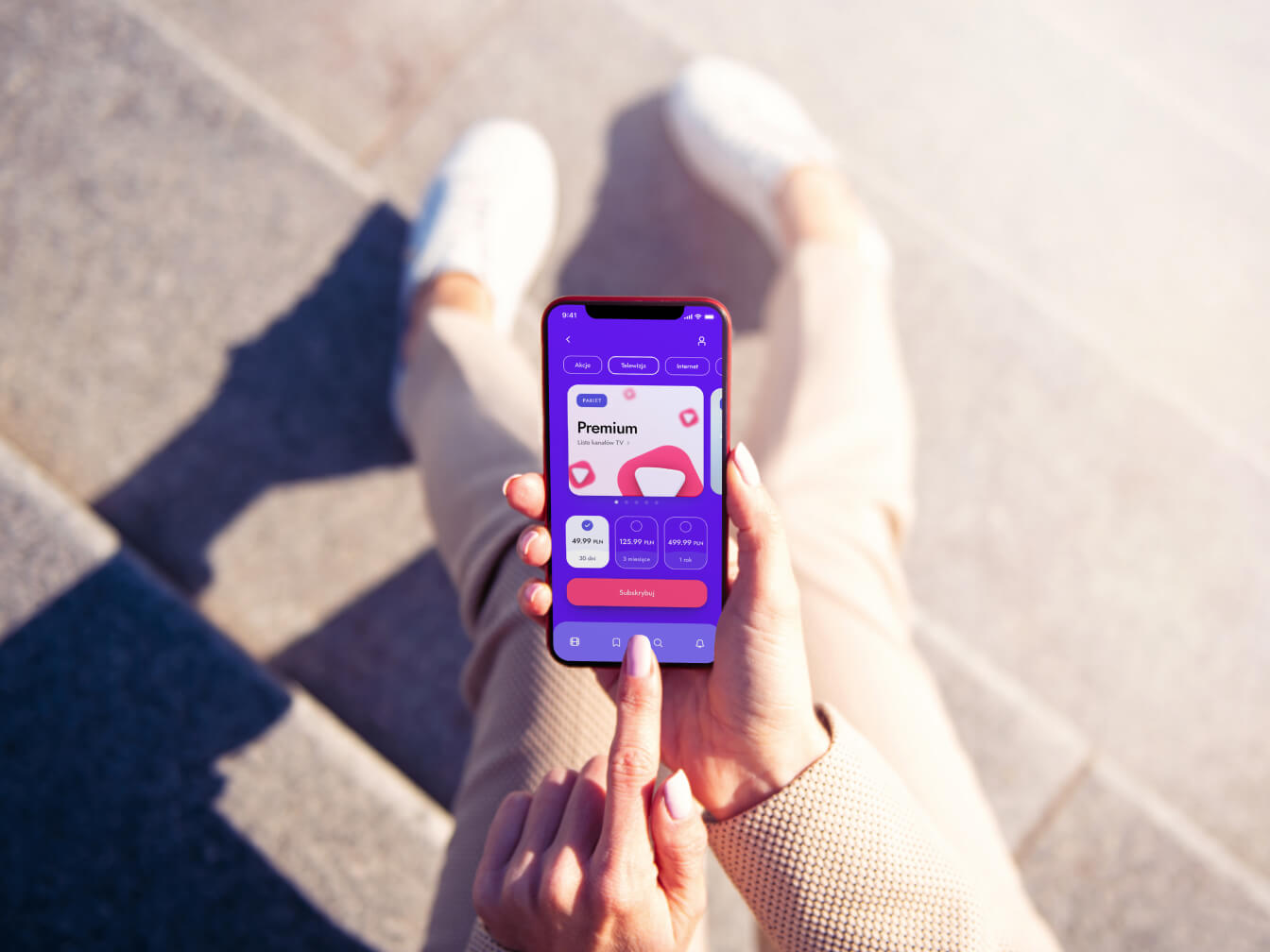
The Google Pay electronic wallet can store the details of all of a customer’s bank cards, providing easy and secure payments on a website and in a mobile app via a smartphone or tablet running Android, or the Chrome browser on any device.
With this Google Pay payment method, customers do not need to waste time entering card details and can make a purchase with one click. This payment experience increases their loyalty and the number of repeat purchases on your website.
Why is the Google Pay button not showing?
Payment with Google Pay is available by default on smartphones and tablets running the Android operating system and in the Google Chrome browser when paying on a website from any device. Users of other operating systems or browsers will have alternative payment methods available. For example, in a mobile app on iOS, Apple Pay will be available.
How can I connect Google Pay payments?
Cashless acceptance of Google Pay payments will be available automatically with most ways of integrating with the Fondy payment platform. For example, on websites built with CMS systems or website builders, with API integration, in invoices, payment buttons and links, and when using QR codes to accept payments. To accept Google Pay payments in an Android mobile app using the Google Pay button, an additional integration is required – you will find the instructions at the link provided. If necessary, this Google Pay payment method can be deactivated in the Fondy admin panel on your website or in your account.
Why is paying with Google Pay more secure than paying with a bank card?
When a bank card is added to Google Pay, the electronic wallet converts its payment details into a unique virtual account number. This number is stored in the user’s account, which can be accessed with a fingerprint, a password or face recognition. Even Google has no access to the payment details, so paying on a website or in a mobile app with Google Pay ensures that card details are not disclosed or used for fraud.
Offer your customers fast and secure GPay payments with Fondy
Use the Google Pay payment method across your sales channels and watch your business grow.
Get started with Fondy
Request a demo of our Fondy portal. Start accepting Google Pay payments without hassle, so you can focus on growing your business.
Request a demo
Contact us to see how the Fondy payment gateway can support your business. Our demo will show you how easily you can integrate Google payments and improve the operational efficiency of your company.